
小程序和ERP公开课
这里是小程序注册对接运营以及ERP运营相关的公开课
小程序应用【公开课】
未来鸟旗下小程序应用【公开课】…
26 篇文档
查看文集
小程序运营公开课
未来鸟公司出品…
4 篇文档
查看文集
百度智能小程序公开课
此文集没有填写简介
3 篇文档
查看文集
第三方API对接公开课
这里是未来鸟产品对接第三方API的操作教程和公开文档
微信支付 28
11.微信收款商业版操作文档 10-25
5.0中国银行市区编号对照表 9-24
1.申请新的微信支付商户号 7-26
4.2-如何激活微信收款商业版收款码 1-12
4.4-收款码物料的优惠活动 1-12
第三方支付 6
云储存开放文档 14
短信服务【公开课】 3
域名知识库 4
ABEESHOP商城操作文档
这里是ABEESHOP超级商城用户操作手册文集组合
获客星球数字云中台手册
这里是数字云店/官网营销中台以及连锁企业数字化平台的操作文档
获客星球数字官网【admin.6ak.net】
获客星球数字官网产品操作手册…
67 篇文档
查看文集
AbeeShop数字云店【Admin.6AK.Net】
未来鸟数字云店,助力企业品牌加速数字化转型升级,全链路私域运营是未来零售企业生存的必然趋势和发展的必经之路,企业自主经营…
340 篇文档
查看文集
连锁企业数字化平台
连锁企业数字化平台…
80 篇文档
查看文集
FutureBirdERP应用手册
这里是FutureBirdERP产品的操作文档以及API接口文档
WLN.WIKI知识库文档
这里是WLN.WIKI,企业私域知识库产品的操作文档和更新日志
WLNWIKI知识库【帮助文档】
未来鸟产品知识库文档,简称。WLN.WIKI,是基于Python3语言的 Django 框架编写开发的企业内部在线文档知…
19 篇文档
查看文集
WLN.WIKI【网维手册】
WLN.WIKI日常更新和二次开发维护手册,仅供私有化和二开用户查阅。…
14 篇文档
查看文集
WLN.WIKI【更新日志】
WLN.WIK企业知识库应用产品历史更新日志,您可以在这里查看,新增,优化和修复记录。…
4 篇文档
查看文集
Why Choose WLN.WIKI?
WLN.WIKI is a versatile, self-hosted knowledge base platform designed to empower teams with secure, flexible, and efficient documentation tools.
Full Data Control
Host your knowledge base on your own servers, ensuring privacy and compliance.
Multi-Format Support
Create documents in Markdown, rich text, mind maps, and integrate OnlyOffice seamlessly.
AI-Powered Assistance
Boost writing productivity and content quality with built-in AI features.
Robust Access Control
Flexible permission settings to protect sensitive information and manage team roles.
Cross-Platform Availability
Access via web, desktop, mobile apps, and browser extensions for ultimate convenience.
Easy Deployment
Quick setup with Docker and simple configuration—no complex infrastructure needed.
Multi-Format Document Creation
Easily create various document types including online Markdown, rich text, spreadsheets, mind maps, Drawio diagrams, and OnlyOffice files — all with intuitive and efficient authoring tools.
View Example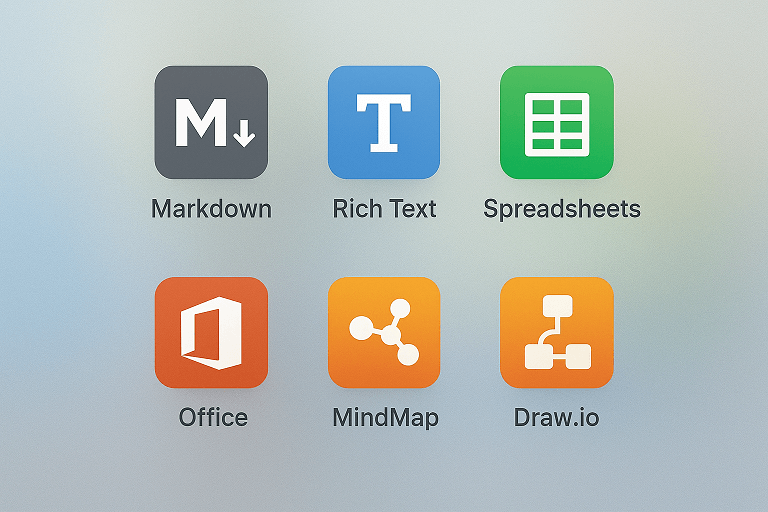
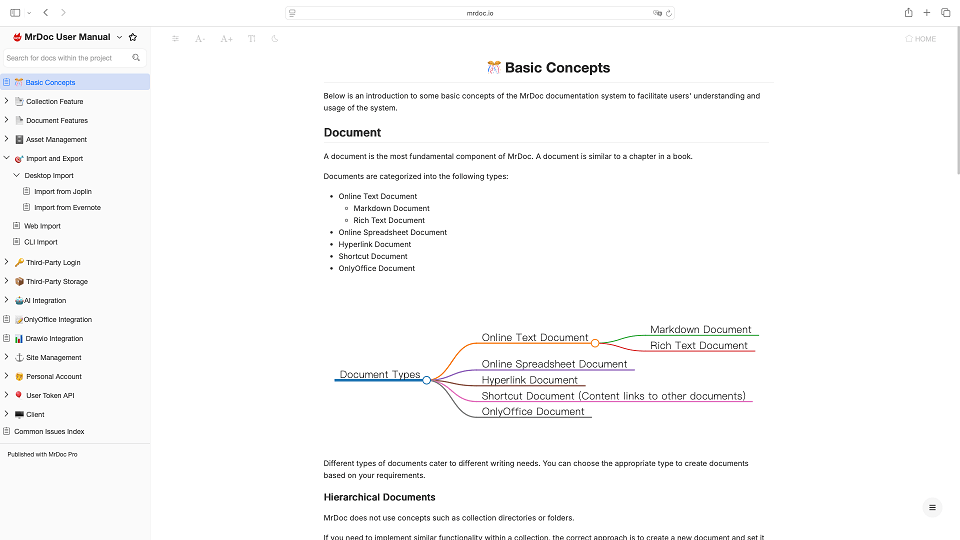
Immersive Reading
The two-column layout allows you to quickly browse and select content from the left sidebar while reading the main document on the right — delivering a book-like experience that redefines digital reading.
Access Control & Collaboration
Flexibly manage viewing, collaboration, and editing permissions for collections and documents through multiple approaches. Enjoy granular control that adapts to your workflow.
_20251125152102468939.png)

AI Enhancement
Seamlessly integrate with the Dify AI framework and third-party large language model APIs. Leverage your knowledge base as context for AI-powered queries and writing, while harnessing advanced capabilities for intelligent Q&A and content creation.
AI Knowlege QA AI Document GenerateSelf-Hosted Deployment
Your data deserves the highest level of care. Deploy WLN.WIKI on your own infrastructure — whether in public, private, or air-gapped networks — to maintain full data sovereignty. Eliminate concerns about privacy breaches, data leaks, or SaaS service discontinuation.
Deployment By Docker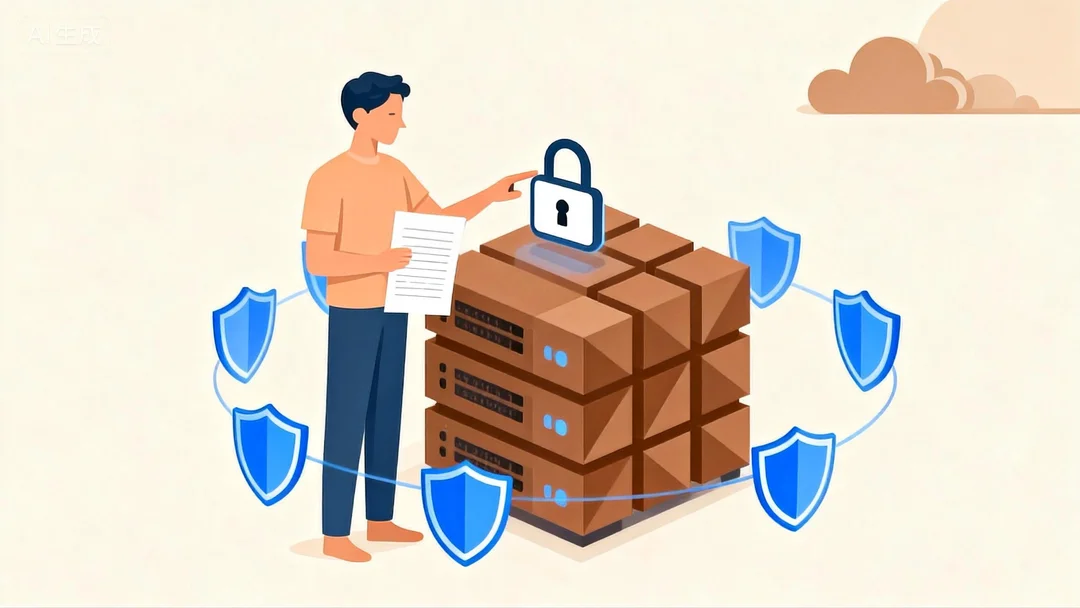
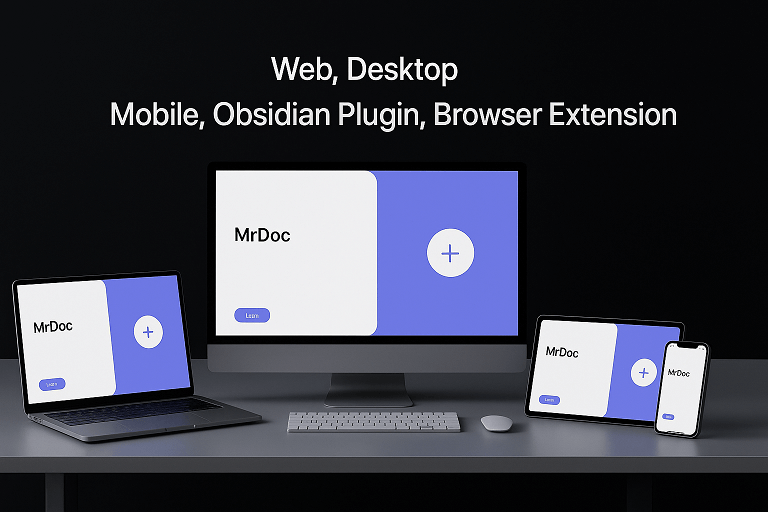
Full-Platform
Access WLN.WIKI through web browsers, browser extensions, desktop clients, mobile apps, and an Obsidian plugin. Enjoy seamless synchronization across virtually all platforms and devices.
Desktop Client Mobile APP Browser Extension Obsidian PluginMore Feature
Import & Export
Support for importing and exporting documents in multiple formats.
Asset Management
Manage images and attachments with configurable allowlists for file types and support for third-party OSS storage configuration.
Third-Party Authentication
Integrate with DingTalk, Enterprise WeChat, LDAP, OIDC, WeChat Web Authorization, and other authentication systems, including user import for seamless system integration.
SEO Support
Built-in SEO optimization to enhance crawler indexing and search engine visibility.
Third-Party Storage
Configurable storage solutions including AWS, Qiniu Cloud, Alibaba Cloud, Tencent Cloud, and MinIO for assets.
Document Protection
Enable copy protection and watermarking features to secure your content.
API Operations
Programmatic document management via token-based API interfaces.
Document Sharing
Share private documents as collections or individual files with controlled access.
Attachment Preview
Preview PDFs, Office files, common text formats, and video attachments directly.
User Management
Configure user settings, group permissions, and access controls.
Full-Text Search
Built-in full-text search capabilities for instant content retrieval.
Use Cases
WLN.WIKI enables creation of various self-hosted documentation applications
Knowledge Management
Organize knowledge into collections with unlimited document hierarchy. Replace fragmented information with structured knowledge systems.
Team Document Hub
Serve as your team's central documentation repository - consolidating collective expertise, preserving institutional knowledge, and building digital assets.
Product Manuals
Book-style structure perfectly suits product documentation, especially when managing multiple product manuals simultaneously.
Online Courses
Create, share and distribute systematic online tutorials with structured knowledge delivery.
Who Is WLN.WIKI For?
WLN.WIKI is built to serve diverse teams and professionals who value data privacy, rich document types, and seamless collaboration.
Product Managers & Startups
Organize product specs, onboarding materials, and team knowledge in one centralized, easy-to-manage platform.
IT & System Administrators
Manage self-hosted documentation securely with full control over permissions and deployment.
Developers & Technical Teams
Prefer markdown-based workflows enhanced with diagram and mind map support for clearer communication.
Educators & Trainers
Create rich learning materials and share them with controlled access for students and colleagues.
Editions & Services
Industry Self Implementation Version
Software industry developers self implement deployment and go live
-
Authorized commercial use rights
-
Non open source core code encryption
-
Provide assistance in deploying documents
-
Submit a work order with a requirement
Enterprise Service Version
Enhanced features and services for users with advanced requirements
-
Powerful site, document and administrative capabilities
-
Full cross-platform and multi-device support
-
Provide deployment and after-sales group services
Contact Us
We're here to help. Whether you have a question, need technical assistance, or want to explore how WLN.WIKI fits your workflow, feel free to reach out.
For general inquiries, technical support, or business communication.
FutureBird Issues
Report issues, request features, or participate in open-source development.
Documentation
Find guides, FAQs, and step-by-step instructions for all features.
